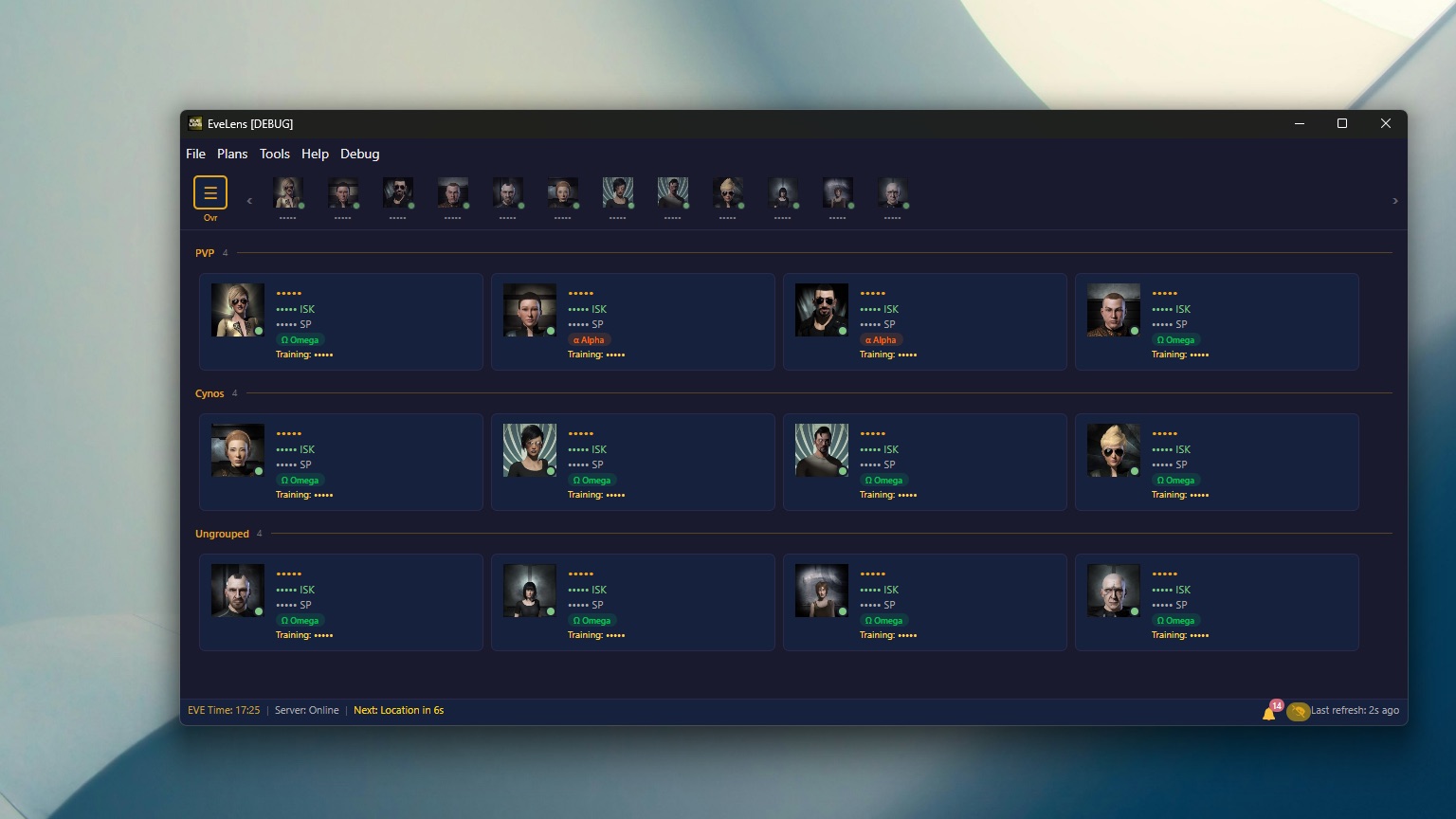
About EveLens
EveLens plans skill training, optimises attribute remaps and keeps watch over every character you own, with more than a hundred supported at once. It is a complete rewrite of EVEMon, built on .NET and Avalonia so the same app runs natively on every platform.
Your data comes straight from CCP’s ESI with the permissions you choose, and nothing leaves your machine without an explicit opt-in.
- Signed and notarized installers for Windows, macOS and Linux, with automatic updates
- Built for 100 or more characters, with polling that stays responsive when ESI misbehaves
- A doctrine designer that compares training times across a fleet’s pilots
- The whole skill tree as an interactive star map
- Six dark themes inspired by New Eden’s empires, in English, Simplified Chinese and Korean
What’s new in 1.5.4
Changed
- Character groups on the Overview can now be created and changed from a character card’s right-click menu: “Add to group” offers “New group…” plus every existing group, and “Remove from group” appears for grouped characters. This works in any sort mode.
- The Reorder button is always available. Clicking it while the Overview is sorted by name, skill points or attention switches to your saved Custom order (nothing is overwritten). Picking an automatic sort while reordering ends Reorder mode.
- Creating a group – from “New group…” or by dropping one card on another in Reorder mode – first asks for its name. Nothing is created if you cancel, and a name already in use (or “Ungrouped”) is refused with a short message. The card’s “Delete Character…” item is now translated.
- The one-time Overview tip now points to the right-click menu. Pilots who dismissed the old tip see the new one once.